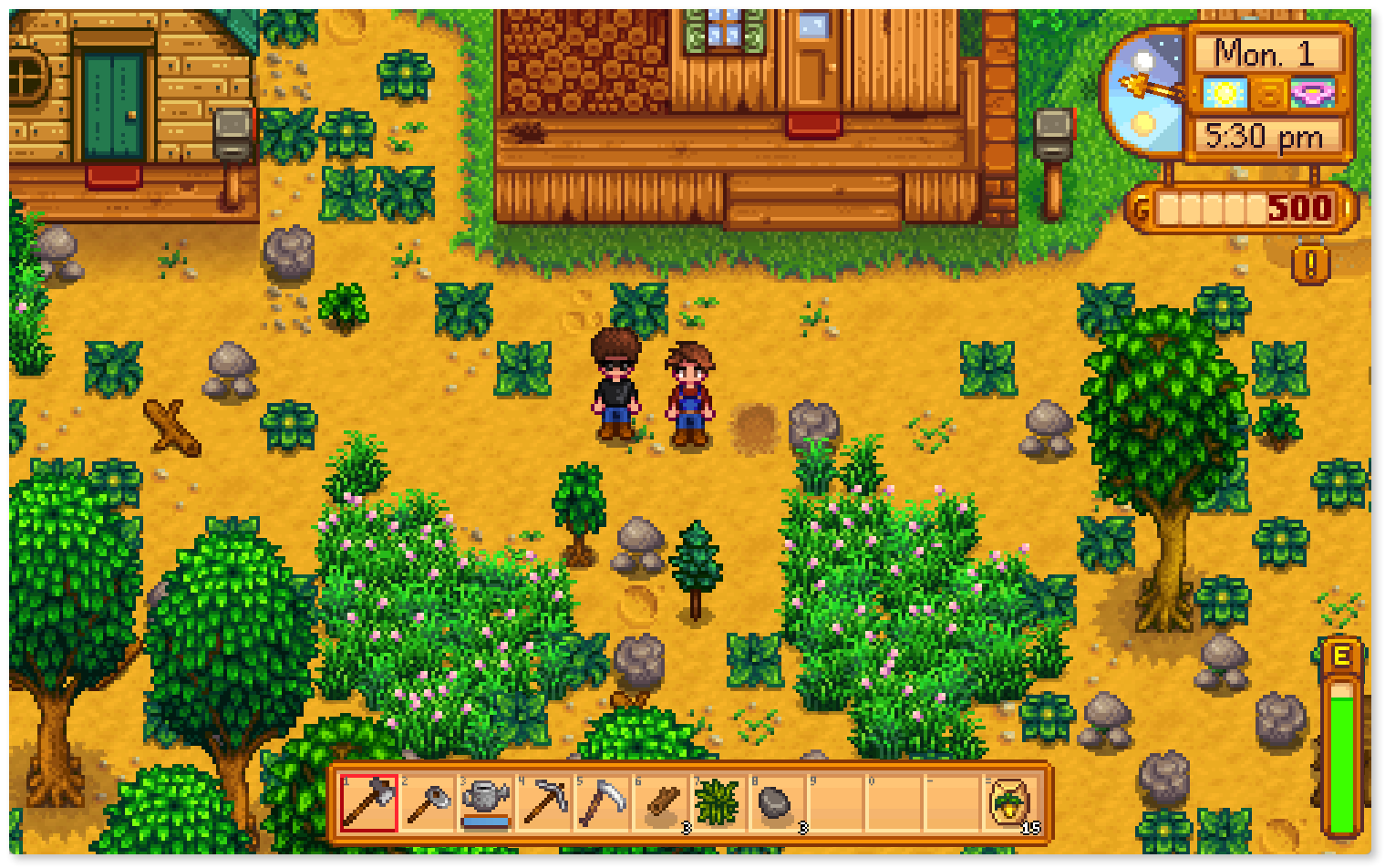
# How to set up a private Stardew Valley server with Meshnet
## Introduction
[Local area network](https://nordvpn.com/blog/what-is-lan/) (LAN) gaming has seen a decrease in popularity over the years. A primary cause of this decline is the multiplayer dependency on cloud-based servers. This means that connections from all participants go through a dedicated server and only then reach others. However, some games still allow hosting a LAN server, for example, Stardew Valley.
[Stardew Valley](https://www.stardewvalley.net/) is a popular role-playing simulation game. It has an easy-to-use interface that enables you to create your own private server with a few clicks. Nevertheless, LAN gaming has a drawback, the fact that all participants have to be located on the same network. But now, by using [Meshnet](https://nordvpn.com/meshnet/) on your devices, you can create your own virtual LANs. This technology allows your peers from all over the world to join your server.
This guide will cover the process of setting up your own Stardew Valley server and show how your friends can join the server over Meshnet.
## Before you begin
Ensure the following:
* Stardew Valley is installed on your device.
* [Meshnet is enabled](https://meshnet.nordvpn.com/~/changes/5hiVtBuK6qwLGxb0SjCm/getting-started/how-to-start-using-meshnet) on your device.
* Your friends are added as [Meshnet peers](https://meshnet.nordvpn.com/~/changes/5hiVtBuK6qwLGxb0SjCm/features/linking-devices-in-meshnet).
* Your friends are also connected to you on Steam.
{% hint style="info" %}
**Note**
This guide is applicable for Windows, macOS, and Linux operating systems.
{% endhint %}
## Create your Stardew Valley server
To start your own Stardew Valley Meshnet server, do the following:
1. Open Stardew Valley and click the **Co-op** button in the main menu.
2. Select the **Host** tab and choose **Host new farm**.
3. Customize your farm and character settings and click **OK**.
4. Once you load your new farm, click **Esc**.
5. Head to the **Options** tab, scroll down to the **Multiplayer** section, and ensure that the **Accept IP connections** checkbox is selected.\
\

With all of the steps completed, your server is up and running and ready to be connected with Meshnet.
## Connect to your Stardew Valley server
To connect to your server, your friends must also have Meshnet enabled on their system. With that done, they can join your server by taking these steps:
1. Copy the server device’s Meshnet IP address from the NordVPN application.
2. Open Stardew Valley, select **Co-op**, and click **Join LAN game**.
3. Paste the Meshnet IP address in the **Enter IP** field by clicking the button on the right.\
\

4. Click **OK**.
5. Select the listed farm, customize your character settings, and click **OK**.
The selected farm will load, and you will be able to enjoy playing on a private Stardew Valley server over a secure Meshnet connection.
## See also
* [How to make a private Minecraft server with Meshnet](https://meshnet.nordvpn.com/~/changes/5hiVtBuK6qwLGxb0SjCm/how-to/gaming/make-private-minecraft-server)
* [How to play Roblox over Meshnet](https://meshnet.nordvpn.com/~/changes/5hiVtBuK6qwLGxb0SjCm/how-to/gaming/roblox)